Best Website Builder for Beginners: How to Choose (2026 Guide)
How to choose the best website builder for beginners: what to look for, what free plans really include, website builder vs. WordPress, and costs to watch.
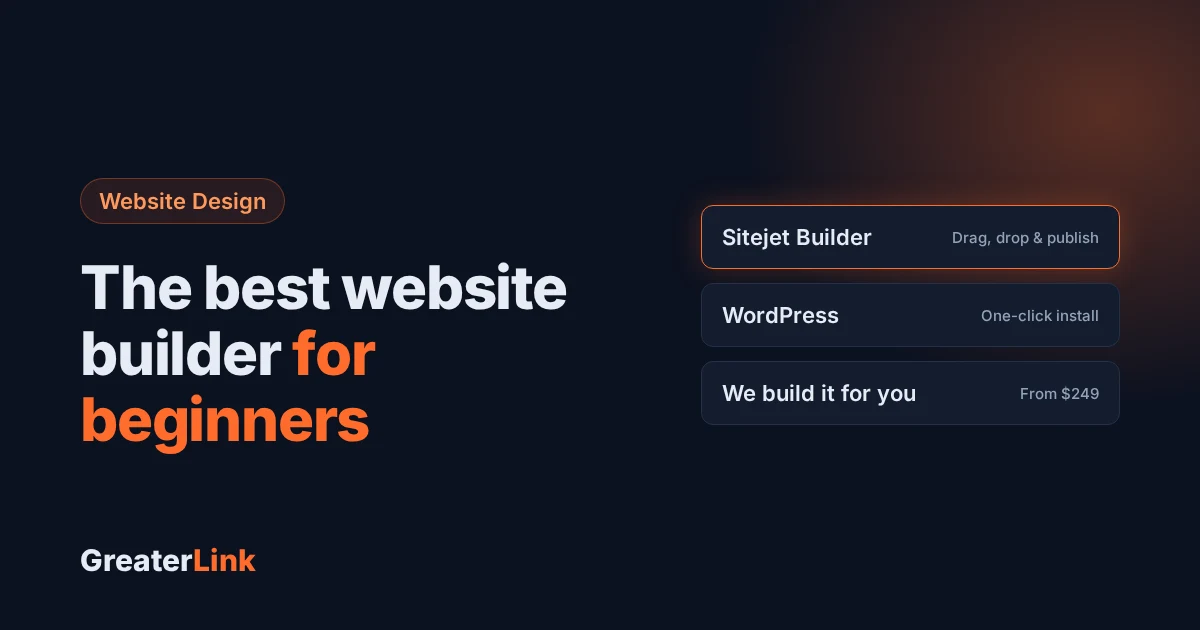
The best website builder for beginners is the one that gets you from “I need a website” to a live, good-looking site in an afternoon, without code, without hiring a developer and without reading a manual. That sounds simple, but many platforms bury the easy path under upgrade prompts and settings you will never use. This guide shows you what to look for, what free plans really include, how a website builder compares with WordPress, and the costs beginners often miss.
- What makes a website builder beginner-friendly
- What to look for in an easy website builder
- Free website builders and their real limits
- Website builder or WordPress?
- Choosing a builder for a small business
- The real cost beginners overlook
- Phones, accessibility and owning your site
- Your three options at GreaterLink
- Frequently asked questions
What makes a website builder beginner-friendly
Beginner-friendly comes down to four things:
- A drag-and-drop editor that shows your changes as you make them
- Templates you can switch without rebuilding your content
- A setup that takes minutes, not days
- Support from people who answer in plain language
Notice what is missing from that list: the number of features. A builder with 400 widgets is not easier than one with 40. The easier builder is the one where the first 40 get you to launch.
Try the five-task test
Before you commit to any builder, see whether you can finish these five tasks in your first session:
- Connect your web address (domain)
- Pick a template
- Change the text and photos
- Add a contact form
- Publish
If you get through all five without opening a support ticket, the builder is a good fit for a beginner. If step three already sends you to a help article, the learning curve is too steep.
What to look for in an easy website builder
The easiest builders hide the complicated settings until you need them. A good one starts with a guided setup and saves the advanced tools for later, once your site is live and you know what you actually want.
- Setup that asks about your business, not your technical skills
- Templates sorted by industry, so a photographer sees photography layouts first
- Editing right on the page, not in a separate dashboard
- An undo button that works, because you will experiment
- A phone preview, since most visitors will see your site on a phone
Drag-and-drop vs. fully code-free
A drag-and-drop editor lets you move things around the page yourself. A fully code-free builder goes further and handles spacing and phone layouts for you. Drag-and-drop gives you more control, and more ways to break your layout. Code-free gives you fewer choices and a site that looks right on every screen. For a first website, fewer choices is a good thing. You can always take more control later.
Free website builders and their real limits
A free plan can get you online at no cost, but every free plan has a ceiling. Knowing where that ceiling is matters more than the price.
| Type | What you get | Main limit | Best for |
|---|---|---|---|
| Free plan on the builder’s address | Your pages on an address like yourname.builder.com | No address of your own, often the builder’s ads | Trying out an idea |
| Limited free plan | A basic site with small storage or page limits | Caps on pages, storage or features | A simple one-page site |
| Free trial | All features for a short time | Ends, then you pay | Testing before you buy |
Free plans are built to show you the platform, not to run your business. That is fine, just plan your upgrade before you need it.
Free plan vs. free trial
A free plan is a permanent, limited version. A free trial is the full product for a set number of days. Beginners sometimes pick a trial by mistake and lose their work when it ends. Also check what happens to your pages if you stop paying: can you take your content with you, or is it locked in?
Website builder or WordPress?
This is really a question about who looks after the site. A hosted builder such as Wix or Squarespace is all-in-one: the company runs the hosting, security and updates. WordPress is free website software that you install on hosting you choose, so you own more and you look after more.
- Choose a website builder if you want to focus on your business, not on running a website
- Choose WordPress if you want full ownership, plan a site with lots of content, or expect a web designer to work on it later
- Either one is fine for a simple site with a handful of pages
The part many comparisons skip is upkeep. A WordPress site needs someone to run updates, watch for plugin problems and keep backups. Good hosting takes care of a lot of that: our Shared Hosting includes one-click WordPress, free SSL and daily backups. Read our guide to choosing small business hosting for more.
Choosing a builder for a small business
A small business website has to do more than look good on launch day. It needs to show up on Google, work on phones, and keep working as you grow. A five-page site for a local service business and an online store with 200 products need very different things, so pick a builder that can grow with you, or plan to move later.
Selling online
If you plan to sell, check three things before you commit: how easy it is to add and update products, which payment processors it works with, and what fees it charges. Some platforms add their own fee on top of your payment processor’s fee on lower plans, and that adds up as you sell more. Adding ten products by hand is easy. Adding two hundred the same way is a lost weekend, so look for bulk import.
The real cost beginners overlook
The monthly price is rarely the whole cost. Over a few years, these add up:
- Renewal prices. Introductory prices often go up after the first term. Check the renewal price before you buy.
- Your domain. Usually separate from the builder, and it renews every year.
- Premium templates and add-ons. The template or feature you want may cost extra.
- Payment fees. A percentage of every sale.
- Your time. Twenty hours fighting a “free” tool can cost more than a paid plan that just works.
For real numbers, see our guide to how much a small business website costs.
Phones, accessibility and owning your site
Phones. Most visitors will arrive on a phone, and a slow mobile page loses them before your content loads.
Accessibility. People who use screen readers, a keyboard or larger text should be able to use your site. Clear headings, readable text and descriptions on your photos go a long way.
Ownership. Can you export your content? Can you point your domain somewhere else? Can you move your site without rebuilding it?
Your three options at GreaterLink
At GreaterLink you can build your first website whichever way suits you, on the same hosting:
- The easy way: Sitejet Builder. Sitejet Builder is included with our Shared Hosting. Pick a professional template or let AI write a first draft, then drag, drop and type. No coding, it works on phones automatically, and you publish to your own domain with free SSL.
- More room to grow: WordPress. Install WordPress in one click from your control panel. See WordPress hosting.
- Have us build it. Our team designs and builds the site for you, starting at $249. See website design and websites we’ve built.
Shared Hosting starts at $7.99 a month, and with yearly billing a new .com, .net, .org or .info domain is free for the first year. Not sure where to start? Our step-by-step setup walks you through choosing a web address and a plan in plain English, or call us at (800) 245-6301. Real people answer 24/7.
Frequently asked questions
What is the easiest website builder for beginners?
Look for a drag-and-drop builder with ready-made templates that includes hosting, a domain and SSL, so there is nothing extra to set up. A beginner should be able to publish a basic page in an hour or two. At GreaterLink, Sitejet Builder is included with Shared Hosting and can even write your first draft with AI.
Can beginners build a professional website without coding?
Yes. Modern builders handle the layout, phone versions and basic SEO settings for you. You pick a template, replace the text and photos, and publish. The main skill is knowing what you want your site to say. If you would rather not do it yourself, we can build it for you.
Should a beginner use a website builder or WordPress?
A website builder is usually the faster way to get a simple site live. WordPress offers more flexibility and add-ons, but you or your web host need to keep it updated and backed up. If you want your site live this week, start with a builder. If you plan a large site with lots of articles, WordPress is a strong choice.
Is a free website builder good enough for a business?
Free plans are good for trying an idea, but they usually keep you on the builder’s own address, limit storage and may show the builder’s ads. A business is better served by its own domain, like yourbusiness.com, which looks more trustworthy and is easier for customers to remember.
Need a hand with your website or hosting?
Talk to a real person at GreaterLink, any time, day or night.
More from the blog
Meet Uplink: How GreaterLink’s AI Upgrades Your Website and Fixes Your SEO
Meet Uplink, GreaterLink’s AI. See how it redesigns or updates your website by chat, handles your SEO automatically every time you publish, and how the free Uplink SEO Checkup shows you what to fix next.
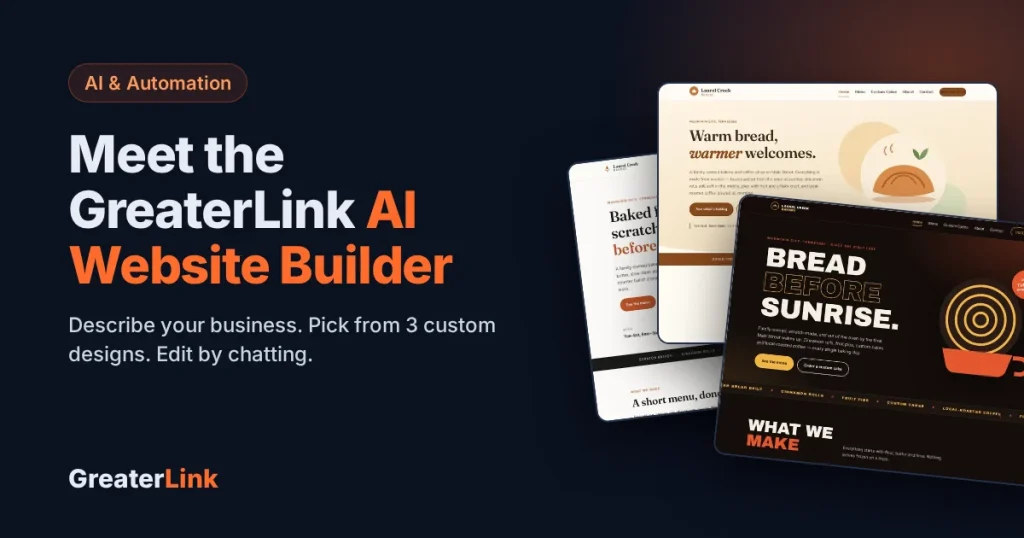
Meet Uplink, the GreaterLink AI Website Builder: 3 Custom Designs in Minutes
Meet Uplink, our new AI Website Builder. It designs three custom homepages from a description of your business. Edit by chatting, keep or redesign your current site, and publish in one click.
Do I Need a Website If I Have a Facebook Page?
Facebook is a great start for a small business, but it isn’t a website. Here’s what each one does well, where Facebook falls short, and how to use both together.