How to Get Your Business on Google Maps with a Google Business Profile
A step-by-step guide to creating, verifying and completing your free Google Business Profile, getting more reviews and showing up on Google Maps.
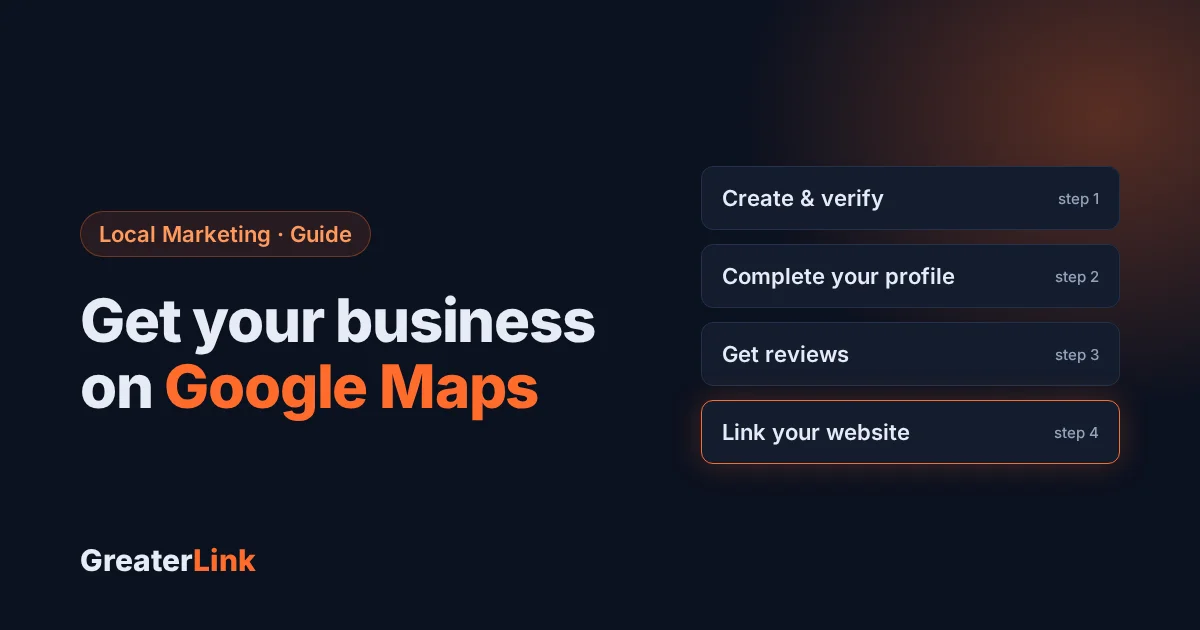
When someone nearby searches for what you do, “plumber near me”, “pizza in Mountain City”, “house cleaning”, the businesses that appear on the map at the top of Google get most of the calls. Those listings come from a free tool called a Google Business Profile. Here’s how to set one up and make it work for your business.
What is a Google Business Profile?
It’s your free business listing on Google Search and Google Maps. It shows your name, phone number, hours, photos, reviews and a link to your website, often before a customer ever visits your site. For local businesses it’s one of the most valuable free marketing tools there is.
How to create or claim your profile
- Go to business.google.com and sign in with the Google account you want to manage the business with.
- Search for your business name. If it already appears, choose to claim it. Otherwise, add it as a new business.
- Choose your primary category carefully, the one that best describes what you do. You can add more categories later.
- Add your address, or, if you visit customers instead of having a storefront, choose to hide your address and list the areas you serve.
- Verify the business. Google offers options such as a phone call, text, email, video or a postcard, depending on your business.
Fill in every section
Complete profiles get more views and more calls. Make sure you add:
- Hours, including holiday hours.
- Phone number and website, exactly as they appear on your website.
- Services or products, with short descriptions.
- A description of your business in plain language.
- Photos: your storefront or vehicle, your work, your team and your logo. Add new ones regularly.
Keep your name, address and phone number the same everywhere: on your website, Facebook and directories. Matching details help Google trust your listing.
Get more Google reviews
Reviews are one of the biggest reasons a customer chooses one business over another on the map.
- In your profile, find “Ask for reviews” to get a short review link.
- Send the link to happy customers right after the job, by text or email, or put it on your invoices and receipts.
- Reply to every review, good or bad, politely and briefly.
- Never buy reviews or offer rewards for them; it’s against Google’s rules.
Connect it to your website
Your profile and your website work together. Google looks at your website to understand what you do and where. A fast, mobile-friendly website with clear page titles, your services, your town and your phone number helps your map listing, and gives customers somewhere to go after they find you.
Need a website that does this well? See websites we’ve built for local businesses, or read how much a small business website costs.
Frequently asked questions
Is a Google Business Profile free?
Yes. Creating and managing your profile is free.
Can I have a profile if I work from home?
Yes. Service-area businesses can hide their home address and show the towns they serve instead.
How long until my business shows on Google Maps?
Once your profile is verified it usually appears within days, though how high it ranks depends on how complete it is, your reviews and how close the searcher is.
Can GreaterLink help?
Yes. We build websites that are ready for Google and can help you get your profile set up. Contact us or call (800) 245-6301.
Need a hand with your website or hosting?
Talk to a real person at GreaterLink, any time, day or night.
More from the blog
Do I Need a Website If I Have a Facebook Page?
Facebook is a great start for a small business, but it isn’t a website. Here’s what each one does well, where Facebook falls short, and how to use both together.
Best Website Builder for Beginners: How to Choose (2026 Guide)
How to choose the best website builder for beginners: what to look for, what free plans really include, website builder vs. WordPress, and costs to watch.
How Much Does a Small Business Website Cost? (2026 Guide)
What a small business website really costs: one-time design, yearly domain and hosting, hidden costs to avoid, and how to get a great site without overspending.